Your notes, in bullets, on your own machines.
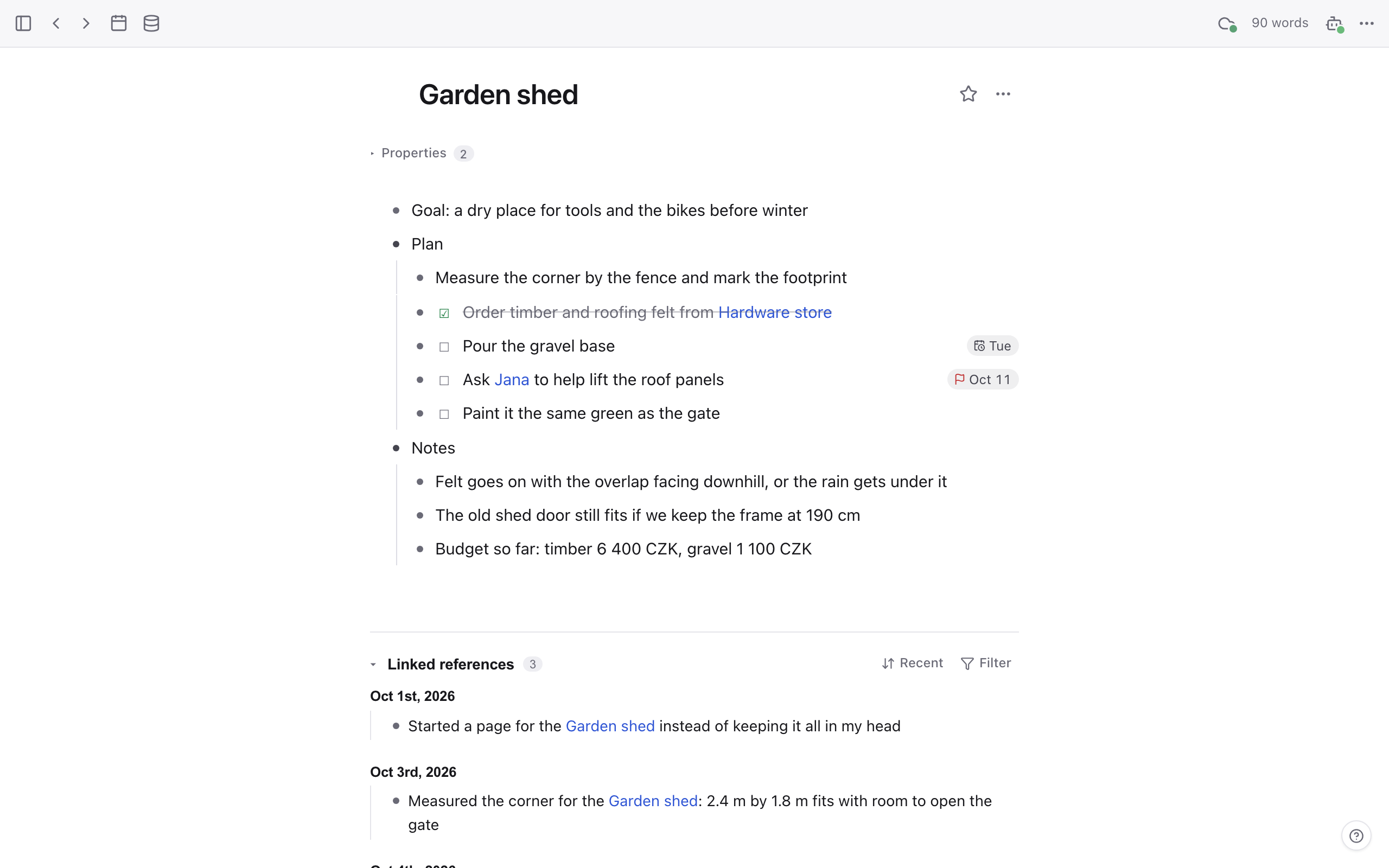
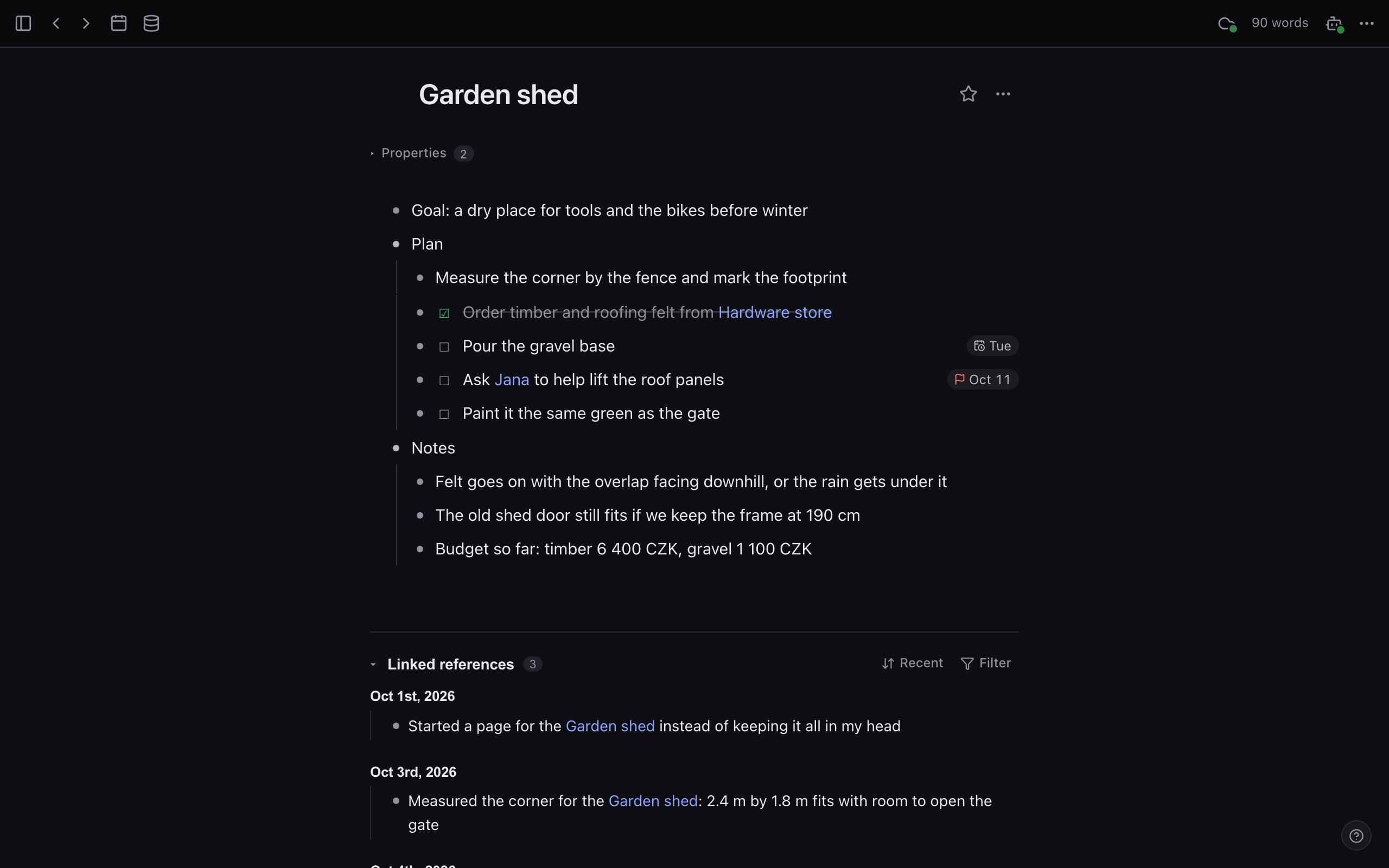
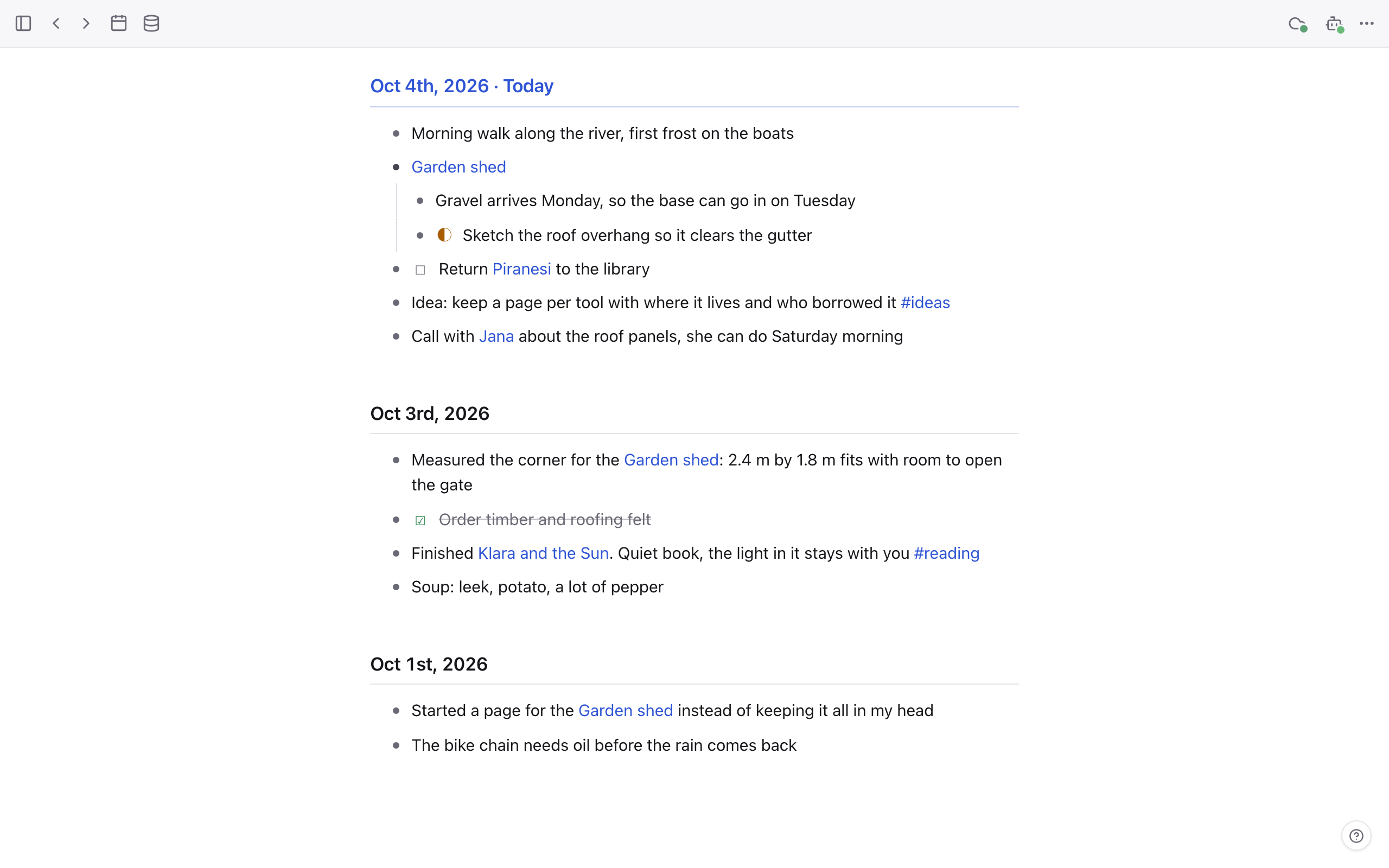
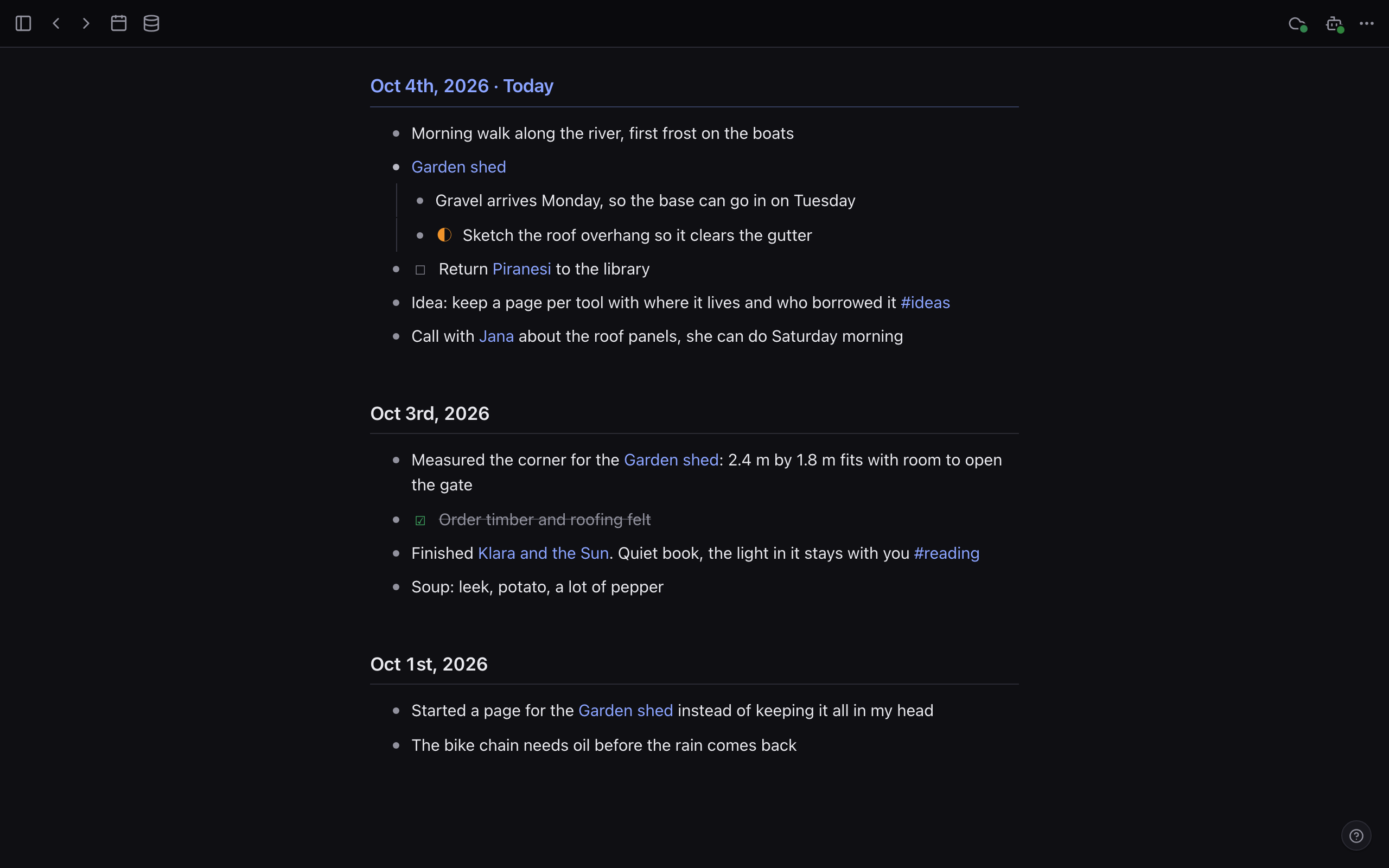
- An outliner like Logseq: nested blocks,
[[links]],#tags, a daily journal and tasks. - Every device keeps the whole graph and works offline. A server you run keeps them in sync.
- Give an agent a token and it can search, read and edit your notes one bullet at a time, over MCP.
What is in it
The parts of an outliner you use every day, and nothing you would have to switch off.
Outlines
Nested bullets you can fold, zoom into and drag. A block reference shows the text of the block it points to.
Links and references
[[Pages]],#tagsand namespaces. Every page lists what links to it, grouped by source, plus unlinked mentions.Journal and tasks
Today’s page opens first. Tasks cycle TODO, DOING, DONE with one shortcut and carry scheduled and deadline dates.
Search
Full-text search on every device. Add a local Ollama model and search by meaning too, in any language.
Logseq import
Point the importer at a Logseq file graph: pages, journals, properties and assets come across.
Plugins
TypeScript plugins with a server half and a client half: commands, slash commands, renderers, MCP tools.
How sync works
Each edit becomes a small op. Devices push their ops to your server and pull everyone else’s.
- You edit on any device. The change and its op land in the device’s own SQLite in one transaction, online or not.
- The device pushes its outbox. The server checks the tree, then logs each op with the next sequence number.
- The server pokes the other devices. Each one pulls every op after the last number it saw.
- Every field merges on its own. The value with the latest clock stamp wins, so all devices land on the same state.
- Saturday
- Return library books
- Call the plumber
- seq 126block.text
- seq 127block.place
- seq 128block.create
- Saturday
- Return library books
- Call the plumber
- Buy oat milk
- scheduled:: 2026-10-05
- seq 40block.create
- seq 41block.text
- seq 42block.prop
- Buy oat milk
- scheduled:: 2026-10-05
When two edits meet
Two devices change the same block’s text while offline. nooklet merges the words it can and keeps the rest where you can see it.
Agents edit by the bullet
The operations the app uses are also an HTTP API, an OpenAPI document and an MCP server. An agent works on blocks, not whole pages.
graph_overviewto get its bearings, then keyword, semantic or hybrid search.- Replace an exact substring inside one bullet and leave the rest alone.
- Run several edits as one atomic batch, and undo that batch.
- Every change it makes carries the token’s label in page history and the audit log.
- Nothing is on until you run
nooklet token create.
{
  "mcpServers": {
    "nooklet": {
      "type": "http",
      "url": "http://127.0.0.1:6100/g/default/mcp",
      "headers": { "Authorization": "Bearer ${NOOKLET_TOKEN}" }
    }
  }
}Plain files you can walk away with
SQLite holds the truth. The server also writes every page to a markdown file that Logseq and Obsidian can open.
- One file per page, one per journal day.
- The
^idat the end of a line is the block’s stable id, so references survive the round trip. grepandgitwork on the folder. Edit through the app, though: nooklet writes the files and does not read them back.
type:: project

- TODO Read the ADR on sync ^1m433dkhgaxame
  - started on the HLC part ^1m433dkhgaxamf
- Ask [[Jana]] about the #trip dates ^1m433dkhgaxamg
Install it, write notes, and stop there if you like. Sync and agents wait until you ask.